The label “Address” can mean several things in a service enquiry. A person responding to a ChatGPT ad may be arranging work at a branch office, requesting help for a relative or asking about equipment at a future premises. Their own postal address may be irrelevant.
Decide which location the business needs before choosing an address component. The destination should ask for the place that changes the next decision and explain why. A technically valid address collected for the wrong purpose can be more misleading than an incomplete answer whose uncertainty is visible.
Name the place by its purpose
Replace an ambiguous heading with a specific one: service address, delivery address, installation location or billing address. Use only the roles relevant at this stage. A request for an initial consultation may need a town or postcode without requiring a street and apartment number.
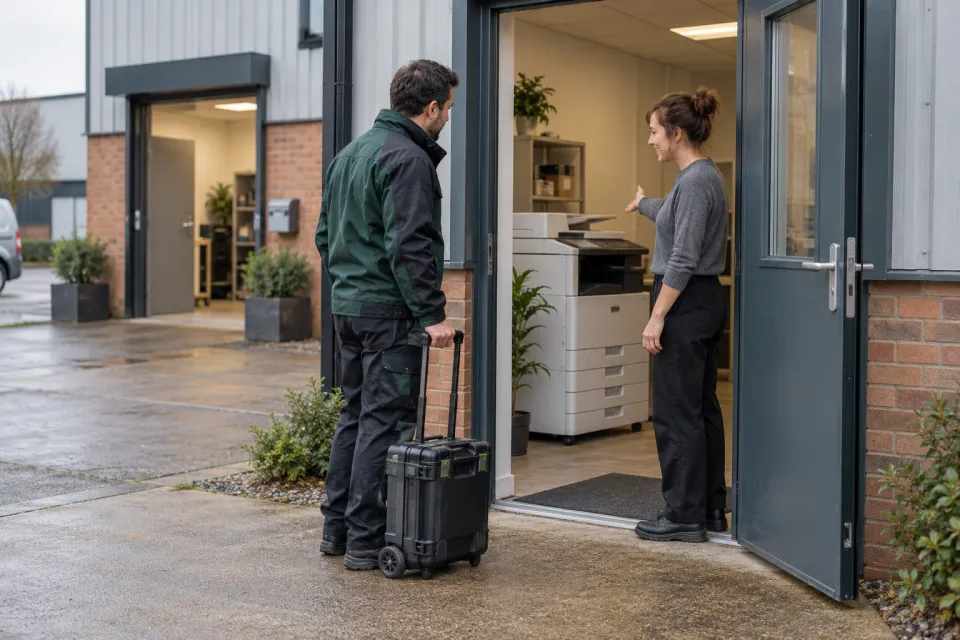
For a hypothetical ChatGPT ad offering office-equipment servicing, the service location is the branch where the machine is installed. The employee’s home and the company’s registered address do not establish where the engineer must travel. Say explicitly which address to enter when these are likely to differ.
If the form is being completed on behalf of someone else, the question should still work. Avoid wording such as “Where do you live?” unless the customer’s residence is truly the required location. A task-based label is more useful and avoids making the visitor translate an irrelevant personal question into the business’s intended meaning.
Separate coverage checking from detailed planning
A postcode can help the business check an area, but it may not provide everything needed to organise a visit. A full address may be unnecessary before the team knows whether the service is suitable. Decide the order according to how the actual enquiry is handled.
The service-area guide owns the decision about geographic eligibility. This guide concerns how the chosen location is entered. Keep those tasks distinct: an address lookup result is not evidence that the business serves that location.
If the journey asks for a postcode first and a full address later, carry the earlier answer forward appropriately. Ask the customer to verify it rather than forcing them to reproduce information solely because the form has moved to another step.
Offer lookup as help, with a manual route
Address lookup can reduce typing when its data covers the visitor’s location. It can also fail to recognise a new building, a unit within an industrial site or a supported international format. A missing suggestion should not automatically prevent an otherwise valid enquiry.
GOV.UK’s address pattern includes guidance on address lookup and manual entry. Use the approach that fits the countries and address types the business genuinely supports. A postcode-first design appropriate for one region may be unsuitable elsewhere.
Make the manual option visible beside the lookup rather than hiding it after repeated failure. Preserve the postcode or partial address already entered where useful. Ask the customer to check the completed address, especially if a suggestion has filled several fields at once.
Which location should the customer provide?
- Service location
The branch address is needed for the service visit.
Checkpoint - Contact's home
Does not help plan the equipment visit.
Reconsider - Billing address
Collect later if needed for the order.
- Lookup has no match
Let the customer enter and check the address manually.
Checkpoint
Keep unfamiliar addresses understandable
Do not force every location into an unsupported domestic structure. If international enquiries are in scope, the fields and validation need to handle the relevant formats. If they are outside the service area, explain that boundary directly rather than producing a cryptic “invalid postcode” error.
An address line may include a building name, suite, floor or other essential detail. Decide where that belongs and label it plainly. Avoid a second line that looks mandatory when many customers have nothing to add.
For the equipment-service example, a loading entrance or reception instruction may help later planning but should not be confused with the postal address. Give visit instructions their own optional space when they are useful. Do not encourage customers to include access codes or other unnecessary sensitive information in an initial enquiry.
Distinguish corrections from substitutions
Suppose the customer enters a service address that the lookup cannot find, then selects a nearby building simply to proceed. The form has obtained a recognised address at the cost of accuracy. A manual path and a calm explanation would produce a more useful record.
Where the system proposes a corrected spelling or postcode, show the proposed address for review. Do not silently replace the customer’s intended location. The customer may know a building designation the lookup does not, while the lookup may have detected a genuine typo.
Address errors need the same practical treatment as other form validation problems: identify what requires attention, preserve the other answers and explain how to fix it. “Address not valid” gives little help when the actual issue is a missing country selection.
Review the record the service team receives
Test a familiar address, a manual address, a multi-unit building and an address outside the supported area. For each case, compare the visible answer with the record that reaches staff. An integration may combine or truncate fields differently from the form.
Check the printed or emailed version too. A unit number moved to an unlabeled note can be missed by the person arranging the visit. The saved record should preserve the address’s role so a later billing address does not overwrite the service location.
Finally apply the field-necessity test to details that accumulated during implementation. If the initial review only needs an area, do not collect a full personal address out of habit. The finished enquiry should identify the right place with enough detail for the next step, while keeping unresolved address questions visible for the team that can resolve them.
Sources and scope
Determine which address a ChatGPT ad enquiry needs and design entry with a clear purpose, manual fallback and support for addresses the lookup cannot find.
Working methods and examples are editorial suggestions. Check current platform requirements and available features before implementation.