Your next campaign starts with your website.
Get a complete plan with targeting, ad copy and creative. Review every detail, catch common issues, and launch through your eligible ad account or export your work.
Your website. Your first ChatGPT ads.
AthillyAds uses your website to help create ads for ChatGPT. Less starting from scratch. More making the campaign your own.
The film could not play here. Open the film ↗
Read the walkthrough
- Start with your website URL. AthillyAds reads your offer and prepares a starting point.
- Review the suggested ads. Edit the words and keep your own voice.
- You approve the campaign before sending it for the ad platform’s review.
A complete draft, with room for your judgment
Generation creates a campaign per offer, intent-based ad groups, context hints and ad cards with copy and images. Review the plan in the editor and compare creative variations. For workbook-compatible cards, AthillyAds uses a 24-character title and 48-character body limit. The app preview helps you review the draft; actual placement can vary.
Every piece is editable inline, or by telling the chat what you want ("make these hints broader", "rewrite this card around the fixed price"). New campaigns land as proposals: clearly separated, approved or discarded by you, never pushed and never spending until you say so. If the defaults are right, approving everything untouched is two clicks.
A budget you choose before launch
Set your campaign budget and bid in the account’s currency, review locations and dates, and decide what you are willing to spend. Suggested values are starting points to review, not guaranteed prices or delivery. Keep media spend separate from your AthillyAds subscription.
Pre-flight: the review before the review
Pre-flight checks the draft before it leaves AthillyAds. Fix preventable issues before submitting to OpenAI’s separate review:
- Missing images and pictures outside the app’s square 640–1200 px PNG/JPEG preparation rules
- The same picture on two cards in one ad group
- Landing pages that 404, redirect wrong, or block OpenAI's crawler
- Claims your landing page can't back up
- Weak copy that will run but shouldn't
Hard failures block launch until fixed. Judgment calls ("this copy is weak") can be consciously accepted, and the acceptance is stored, so a re-check doesn't nag you about a decision you already made.
- Every card has a square image (640–1200 px)
- No picture repeated inside an ad group
- Landing pages load and allow OpenAI's crawler
- No claims the landing page can't back up
- Copy fits the app’s 24/48-character limits
One card links to /services/emergency-plumber. That page returns 404 and needs a working destination.
All checks pass. Ready to submit for review.
Images included, even when your site has none
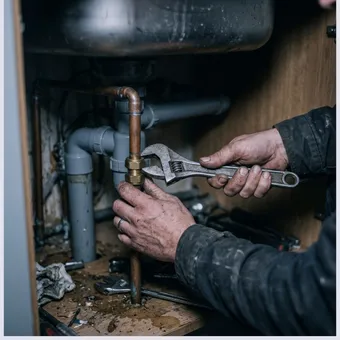
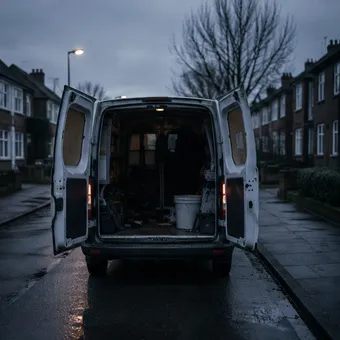
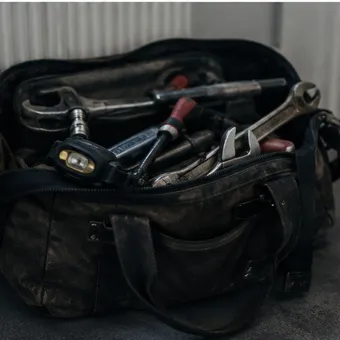
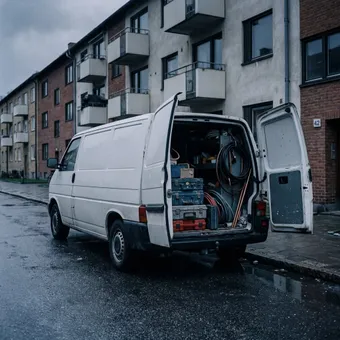
Chat cards need pictures, and plenty of good businesses have websites with none worth using. We harvest what your site has with your recorded permission. It's your site, your images, your call. You can upload your own, and when the library is thin, one click drafts four different AI-generated photographic options from everything we know about the offer. Keep the ones you like; they're yours.
Launch through your key, or leave with the export
Connect an eligible account’s advertising API key to submit your plan and follow review status. Or export an XLSX workbook to create campaigns, CSV files to update existing platform objects, or a step-by-step checklist. OpenAI controls account eligibility, review and delivery.
Build the whole plan free
You don't need an Ads account to build, only to launch. Start from your domain and see the plan it produces.
No credit card needed · Ad spend is separate